


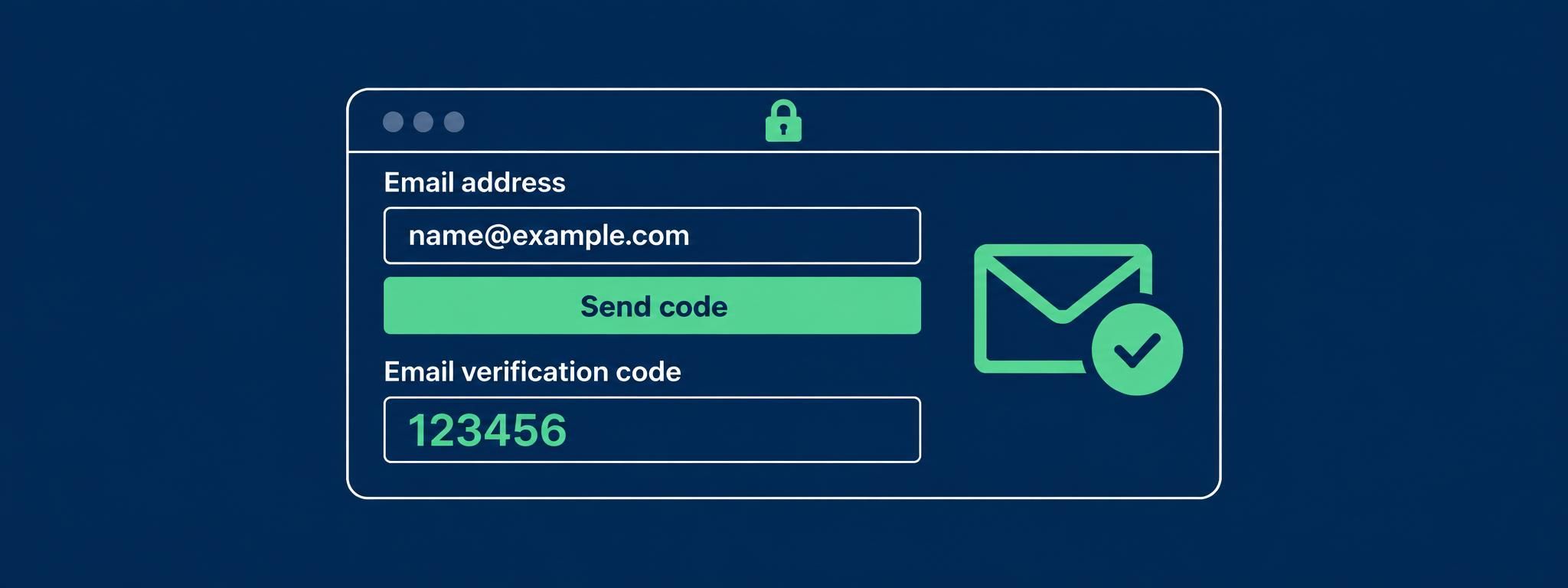
Whatsapp login with email code from accschecker
Step 1: Access WhatsApp
1. Open the WhatsApp app.
2. Enter the phone number provided with your account.
3. Request Verification Code.
Step 2: Get the Verification Code
1. Visit: accschecker.com Email inbox checker [ email|password|token|client_id ]
2. In the empty box, enter your full email address. Copy the entire email address from beginning to end and paste it into the box.
3. Click Get Code & Wait 30 Second
4. Copy the 6-digit OTP code.
5. Enter the OTP in WhatsApp to complete verification.
You"re all set!